Live order board
The private restaurant board refreshes every 10 seconds, filtered by Today, Upcoming, or All, with every item, choice, note, pickup date and time, and total.
How it works
OrderOpenly gives your restaurant a complete online ordering and reservations system — under your own name, on one flat monthly fee. Here’s everything it does, for your diners and for your team.
Getting started
Pick a package and send your menu, hours, and photos.
Your brand, your menu in English and Spanish, with checkout compatibility agreed before launch.
Order To-Go and Reserve a Table go on your website, Google profile, and social pages.
Diners order and book; your team runs everything from one dashboard.
Online ordering
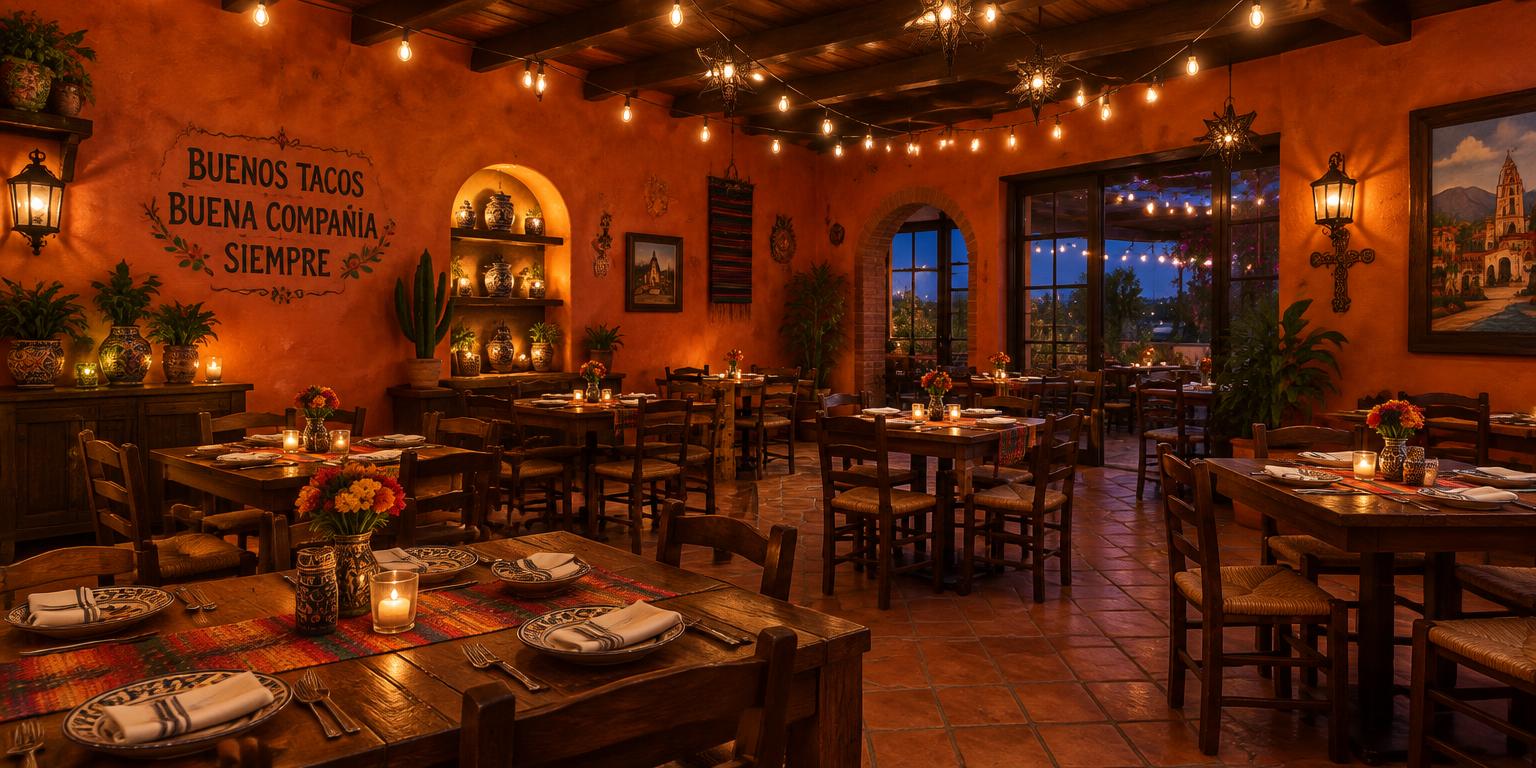
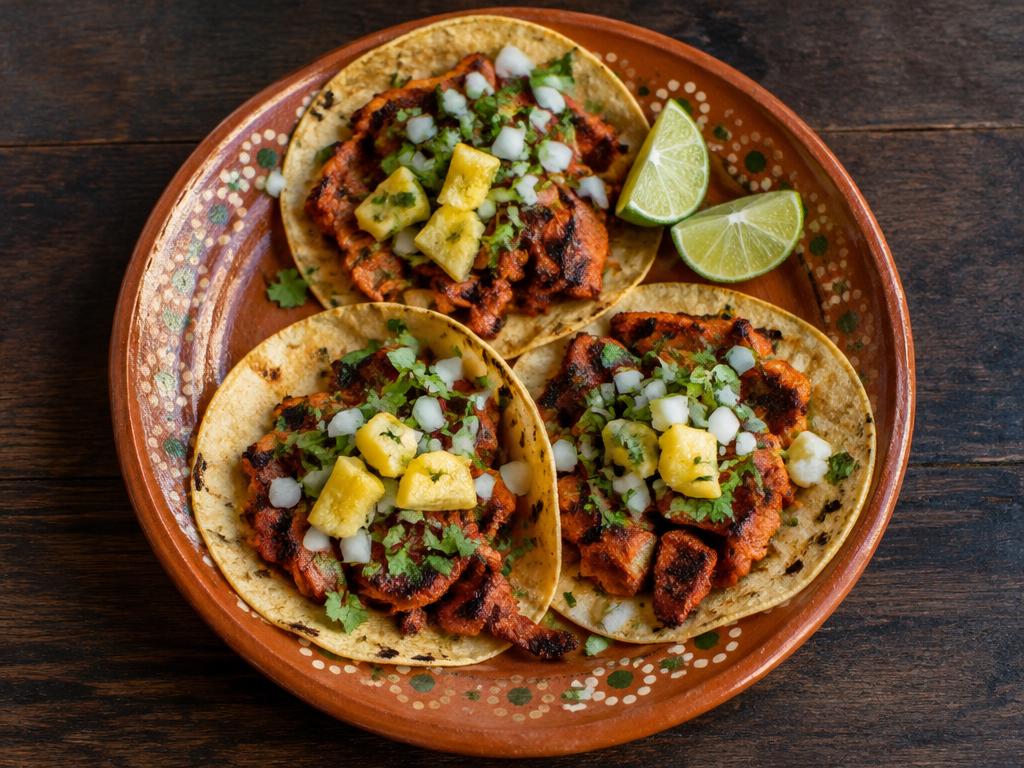
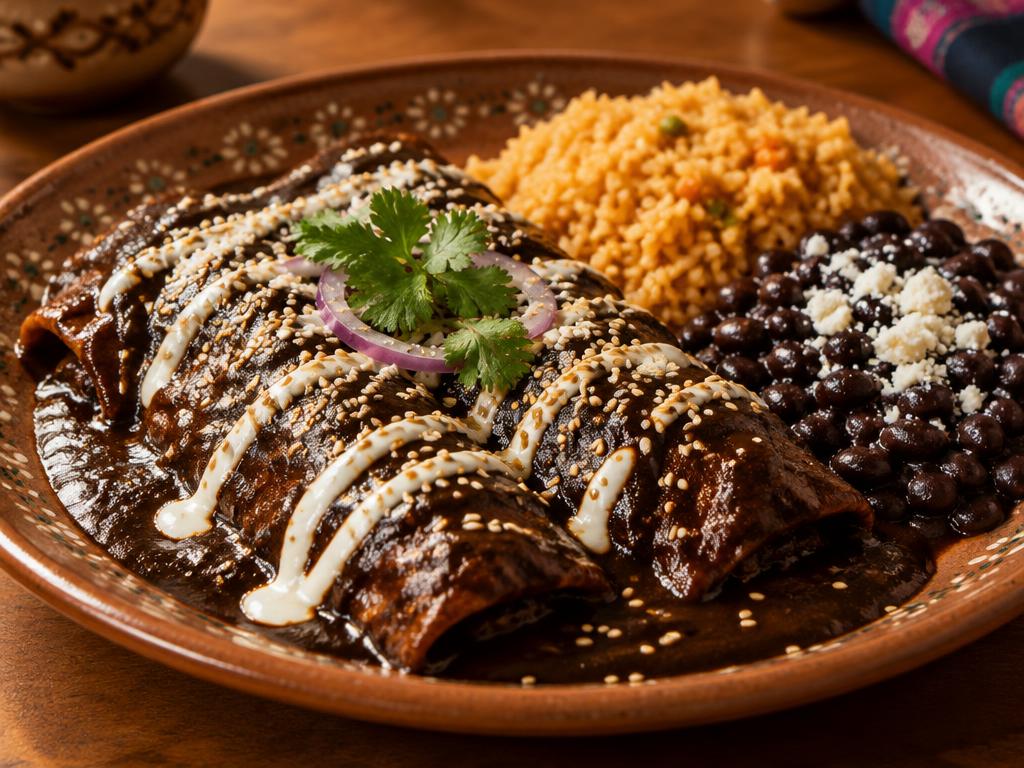
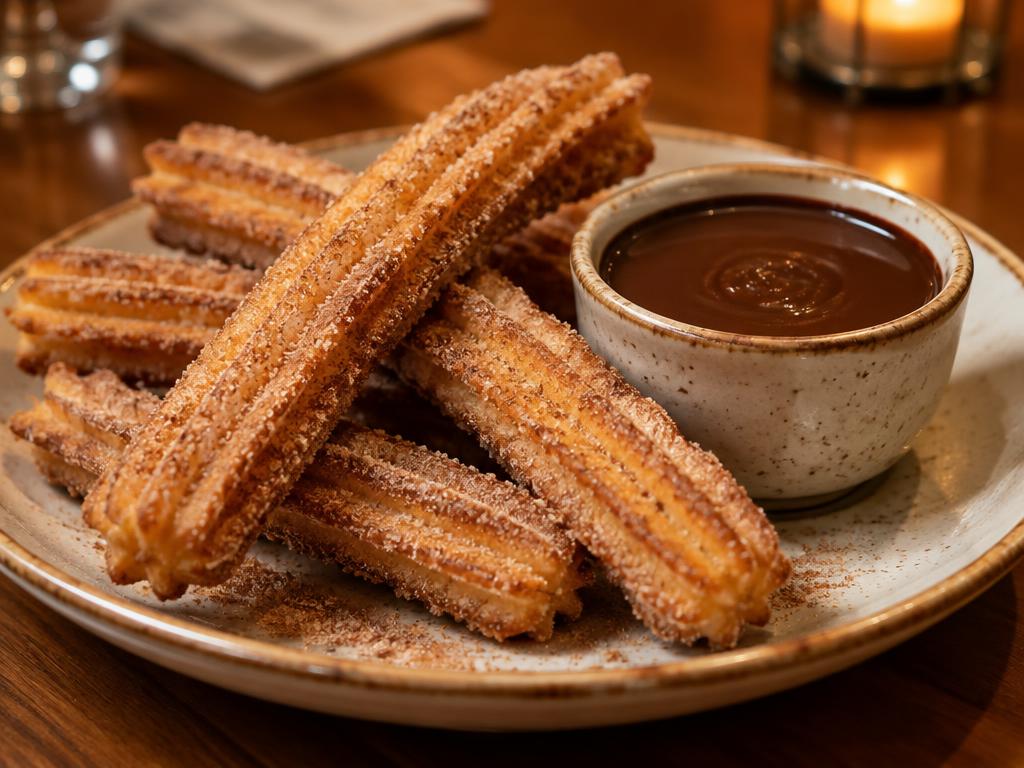
Diners browse a storefront that looks like your restaurant — your logo, colors, and photos — on any phone or computer.
Pickup & delivery
A simple Pickup / Delivery switch at the top of the storefront, set up the way your restaurant works.
Checkout & payment
Checkout adds tip and tax and shows a clear total. Guests pay by card on your restaurant’s own Stripe account.
Split payments
Great for office lunches, families, and big tables.
Reservations
The same storefront takes table bookings — no separate reservation app.
English & Spanish
One tap switches the whole experience between English and Español.
For your team
Your staff signs in to a private dashboard that only shows your restaurant’s orders and menu.
The private restaurant board refreshes every 10 seconds, filtered by Today, Upcoming, or All, with every item, choice, note, pickup date and time, and total.
Accept or decline, then mark Preparing, Ready, and Collected. Only the right next step is ever shown.
Order status and payment status are kept separate, so you always know what’s been paid.
Mark a dish sold out or pause all online ordering in seconds — server validation blocks unavailable items; the public demo follows its browser-local state.
Every new online order and table booking is emailed to the address you choose, and the Orders screen can chime when one arrives.
Bilingual order and reservation texts, sent from your restaurant’s own phone number once we set it up for you.
Public Manager, Hostess and Kitchen previews use fictional browser-local activity. The private restaurant board is separate. No sign-in needed for the demo.
Your storefront lives on Openly and your website links to it with Order To-Go and Reserve a Table buttons. A separate branded ordering site.
Ordering and reservations built directly into your own website. Custom pricing — ask us for a quote.